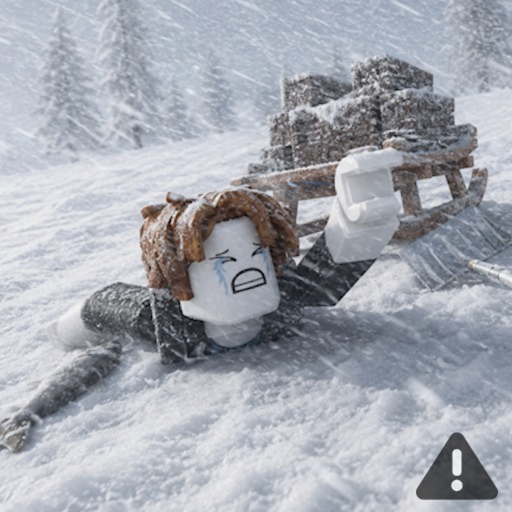
Mobile Controls
Mobile touch controls for Survive 7 Days In Arctic Roblox — movement, fishing, building, and UI tips for phones and tablets.
Last updated: July 2026
Touch Layout
Mobile Roblox uses virtual joystick for movement and context buttons for jump, interact, and inventory. Survive 7 Days In Arctic alpha UI may cluster survival actions near thumb reach—locate fishing and build buttons on first spawn.
Tablets offer more screen space for HUD clarity. Phones benefit from reduced graphics settings to maintain responsive touch.
Mobile Survival Tips
Building precise shelter on mobile is harder—use compact layouts from the Shelter Layouts page. Fish near camp to minimize travel on small screens. Increase UI scale in Roblox settings if buttons feel cramped.
Avoid long outdoor sessions on mobile where visibility is limited—retreat to shelter frequently.